Record Type Bulk Field Updates
To update the record type fields in bulk, follow the steps below.
- Select a record category i.e., Incident, CAPA and Action Item,
etc., expand the parent and sub-folders, and select the desired
record type.
.png)
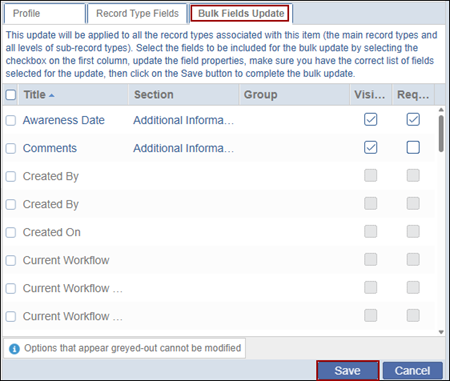
- Click on the Bulk Fields Update tab and check and/or uncheck the Required or
Visible checkboxes to control the fields' visibility and click on the Save button.