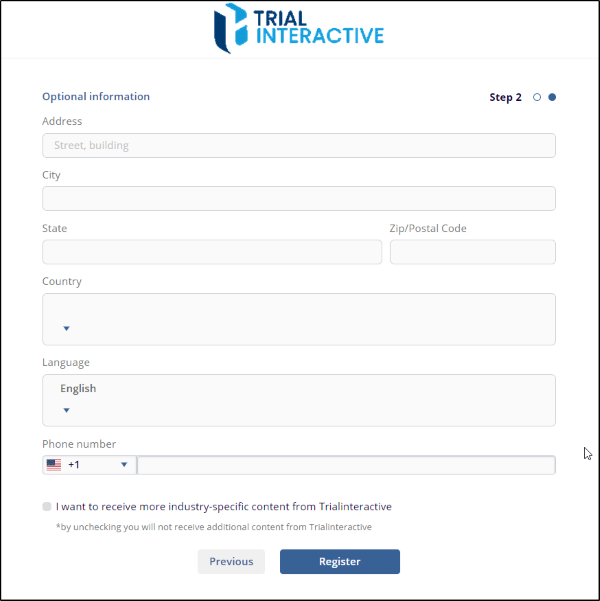
Step 2: Registration - Optional Information
- On this page, enter your contact address, phone number, and any other relevant details.
- Click on Register to proceed.
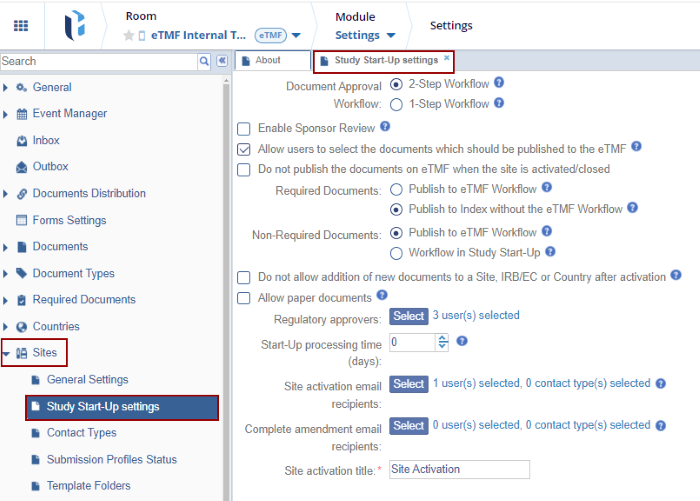
- After clicking the registration button, a confirmation pop-up will appear, indicating that user have successfully registered. The pop-up will also include a link to the room that has been assigned to you.
- Click on the bottom link to access the room. Refer to the
screenshot below.
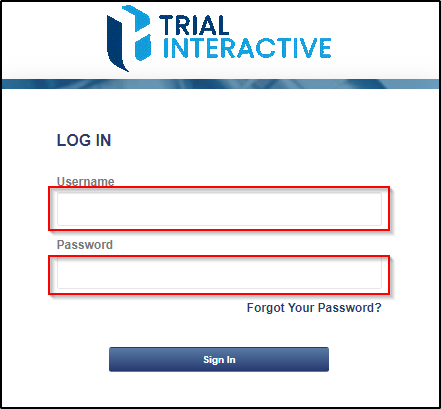
- It will be redirected to the Trial Interactive login page.
Enter the username and password you provided during the
registration process, then click the Sign In
button to log in.
- it will be redirected to the Trial Interactive Home Page. Refer
to the below screen.