
Signing in to Trial Interactive for the First Time
- Once a Trial Interactive room Administrator has sent an invitation, Users will receive
an email message with a registration link. Refer to the screenshot below.
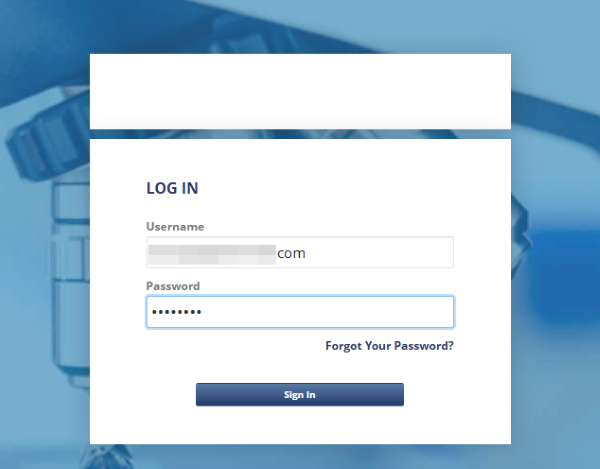
Note:
Complete a one-time registration when user receive first email notification for room access. Once registered, user can sign into your room directly. If user are invited to additional rooms, no further registration is required. New rooms will automatically appear on your home page under your list of accessible rooms. User will continue to receive email notifications for any future room invitations.