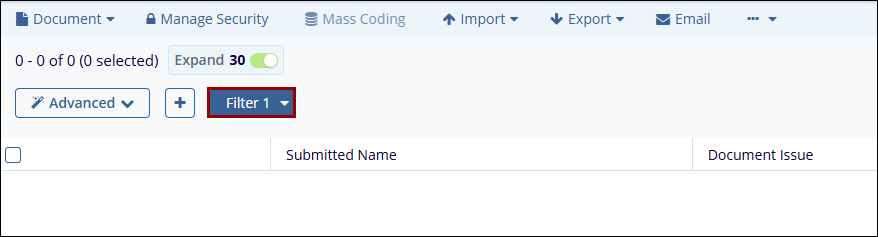
Creating a New Filter
To create a new filter, follow the steps below.
-
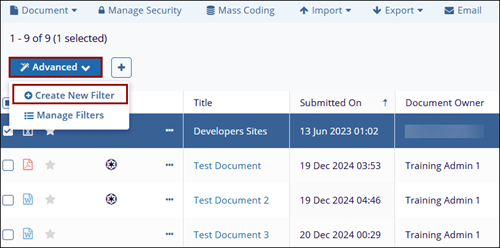
Click on the Advanced button and select the + Create New Filter option above the documents grid. The Create Filter window opens.
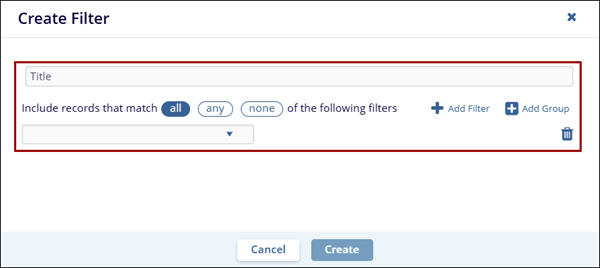
- On the Create Filter screen, enter a title for the filter and click the + Add
Filter button.
- Click the dropdown and select a field to apply filters for.
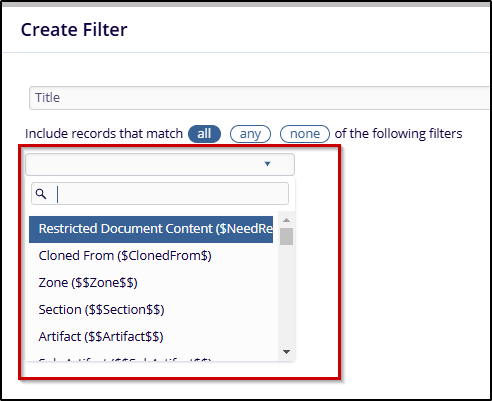
- Select the logical operator and enter the value for the selected field.
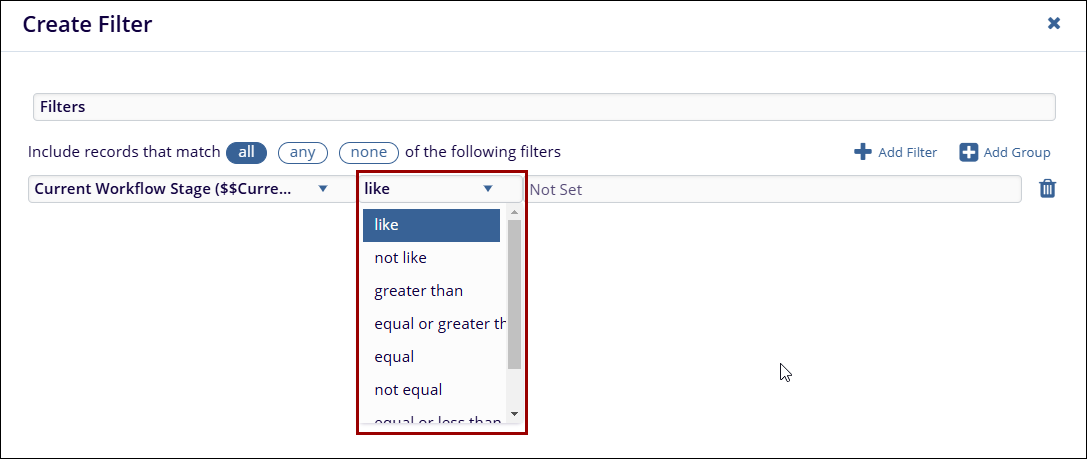
-
Click on the Create button.
- The filter will appear above the grid. Select the filter to apply it to the grid
contents